Export Twitter/X Search Results
Export visible tweets or user results from Twitter/X searches and hashtags to CSV for your own authorized research, reporting, and recordkeeping. Availability depends on your account access, platform behavior, and applicable limits.
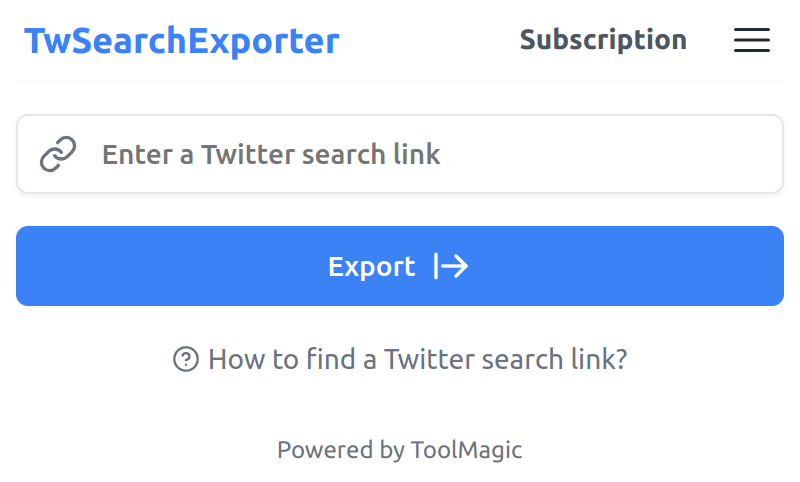
Twitter/X Search & Hashtag Exporter
Export visible search and hashtag results into structured files for review, reporting, and internal workflows. Results may vary based on account access, platform changes, and rate limits.
Designed for lawful, authorized use
Only export data you are permitted to access, and use exported data in line with applicable laws, platform terms, and privacy obligations.
Privacy-first export
The extension runs in your browser. Exported data is processed locally on your device and downloaded directly to your computer. We do not collect or store your exported data.
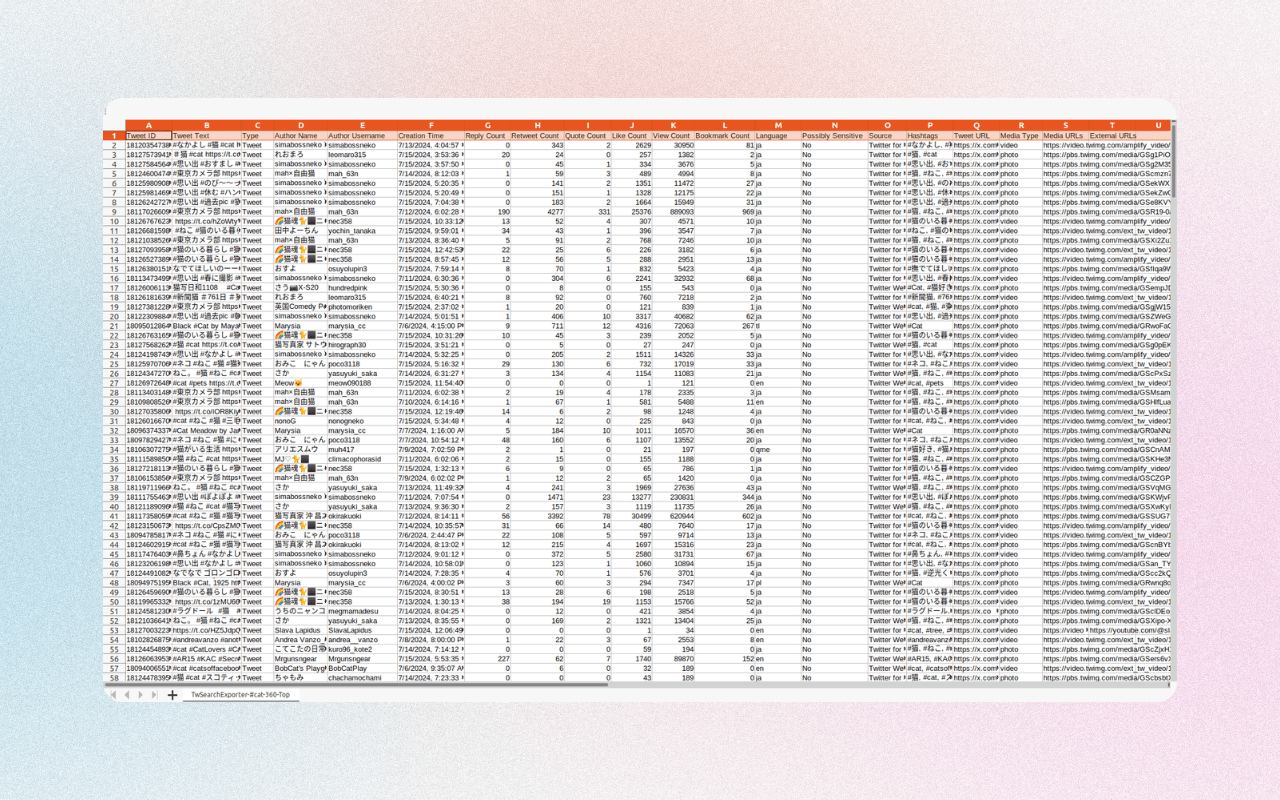
What data fields may be included in an export
Available fields depend on the search type, account access, and platform availability.
| Field Name | Description |
|---|---|
| Tweet ID | A unique identifier assigned to each Twitter/X post. |
| Tweet Text | The text of the Tweet. |
| Type | The type of the post, such as "Tweet", "Retweet", "Reply" or "Quoted tweet". |
| Author Name | The author name of the Tweet. |
| Author Username | The author username of the Tweet. |
| Creation Time | The creation time of the Tweet. |
| Reply Count | Number of times the Tweet has been replied to. |
| Retweet Count | Number of times the Tweet has been retweeted. |
| Quote Count | Number of times the Tweet has been quoted. |
| Like Count | Number of times the Tweet has been liked. |
| View Count | Number of times the Tweet has been viewed. |
| Bookmark Count | Number of times the Tweet has been bookmarked. |
| Language | The language code of the Tweet. |
| Possibly Sensitive | Indicates whether the Tweet's content may be sensitive. |
| Source | Utility used to post the Tweet. |
| Hashtags | Hashtags included in the Tweet text. |
| Tweet URL | The URL of the Tweet. |
| Media Type | The type of media contained in the Tweet, such as "photo" or "video". |
| Media URLs | The URLs of media contained in the Tweet. |
| External URLs | The URLs of other sites contained in the Tweet. |
| Field Name | Description |
|---|---|
| User ID | A unique identifier assigned to each Twitter/X user. |
| Username | The public name that a Twitter/X user chooses to represent themselves. |
| Name | The name of a Twitter/X user. |
| Location | The location information of a Twitter/X user. |
| Category | The professional category that a Twitter/X user identifies themselves with. |
| Creation Time | The account creation time of a Twitter/X user. |
| Follower Count | The total number of followers a Twitter/X user has. |
| Following Count | The total number of users a Twitter/X user follows. |
| Tweet Count | The total number of tweets a Twitter/X user has posted. |
| Media Count | The total number of videos or photos a Twitter/X user has posted. |
| Like Count | The total number of tweets a Twitter/X user has liked. |
| Is Verified | Indicates whether the Twitter/X account is verified or not. |
| Is Protected | Indicates whether the Twitter/X account is private or not. |
| Can Tag in Media | Indicates whether the Twitter/X account can be tagged in media. |
| Possibly Sensitive | Indicates whether the Twitter/X account's content may be sensitive. |
| Biography | The text that a Twitter/X user has written about themselves. |
| URLs in Biography | The URLs displayed in a Twitter/X user's profile biography text. |
| User Homepage | A link to the user's Twitter/X homepage. |
| Avatar URL | The URL of the Twitter/X user's profile picture. |
| Profile Banner URL | The URL of the Twitter/X user's profile banner. |
Start for free today
Add the extension and export authorized Twitter/X search results that are visible to your account.
Pricing
Start for free, stay for the value.
Free
$0
Get started for free
- Export up to 200 tweets or users
- Supports common Twitter/X search links
- Export tweets from the search tabs "Top", "Latest" and "Media"
- Export users from the search tab "People"
- Save as CSV / Excel
- Resume export tasks from history
Pro
$12/month
Suitable for trying out
- Export more available tweets or users, subject to platform availability
- Supports common Twitter/X search links
- Export tweets from the search tabs "Top", "Latest" and "Media"
- Export users from the search tab "People"
- Save as CSV / Excel
- Resume export tasks from history
- Priority customer support
Frequently asked questions
Feel free to contact us if you have any other questions.
What is Twitter/X Search Exporter?
Twitter/X Search Exporter helps you save visible tweets or user results from searches and hashtags to a CSV or Excel file. It is intended for authorized research, reporting, archiving, and internal analysis.How do I find a Twitter/X search link?
Go to Twitter/X, enter your search query (keywords, hashtags, or phrases) into the search bar, and press Enter. The URL in your browser's address bar will be the search link.
How do I export Twitter/X search results?
Add the extension to your browser and create an account. After signing in, enter the search link you want to export and click the "Export" button. Available results can be saved as a CSV or Excel file and downloaded to your computer.How to upgrade my plan?
To upgrade your plan, please note that the process currently requires manual intervention from our side. To initiate the upgrade, kindly reach out to our support team and provide them with the details of your desired plan. They will assist you in upgrading to the plan that best fits your needs.
What are Twitter/X rate limits?
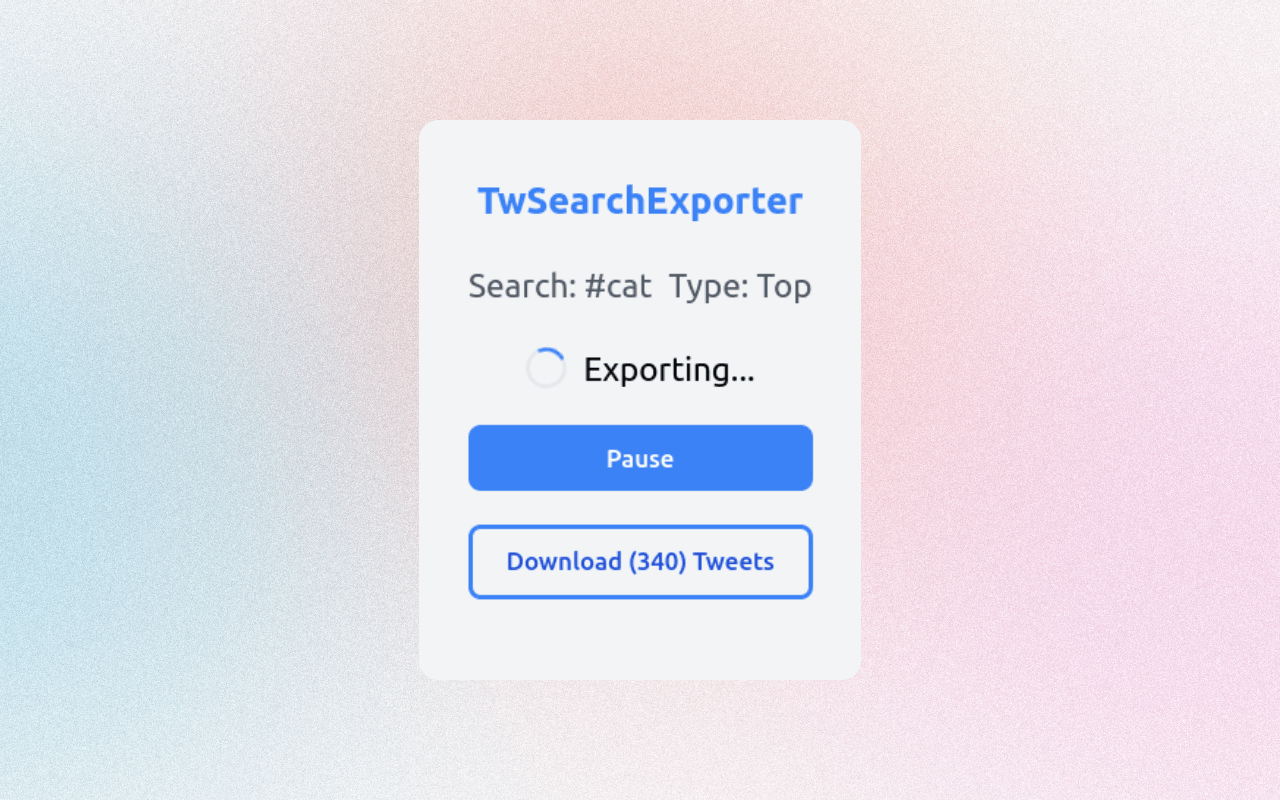
Twitter/X may limit or change access to results to manage usage and prevent abuse. When limits occur, the extension may pause and retry where possible, but export speed and completeness can vary based on platform availability and your account access.Can I cancel my subscription?
You can cancel your subscription at any time. You can do this from your extension's subscription page.